
Coming soon for iPhone
Snap Goblin
A swipe game for your camera roll. Right to keep. Left to toss. A cleaner photo library in minutes, not weekends.
Coming soon to the App Store
How it works
Tidying up, made oddly satisfying.
01
Small piles
You get a pile of 25 photos at a time, so it never feels like a chore.
02
Swipe to decide
Right keeps it. Left tosses it. Changed your mind? Go back and swipe again.
03
One tap to finish
Nothing is moved to Recently Deleted until you finish the pile and tap to confirm.
A look inside
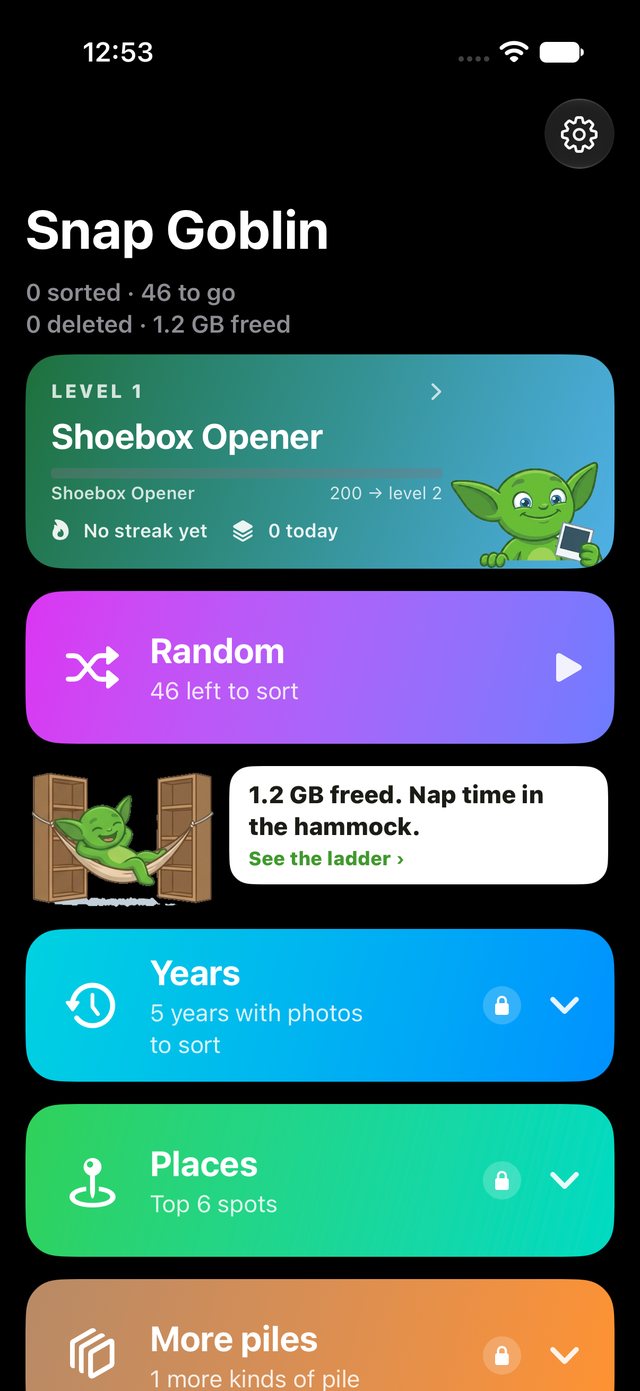
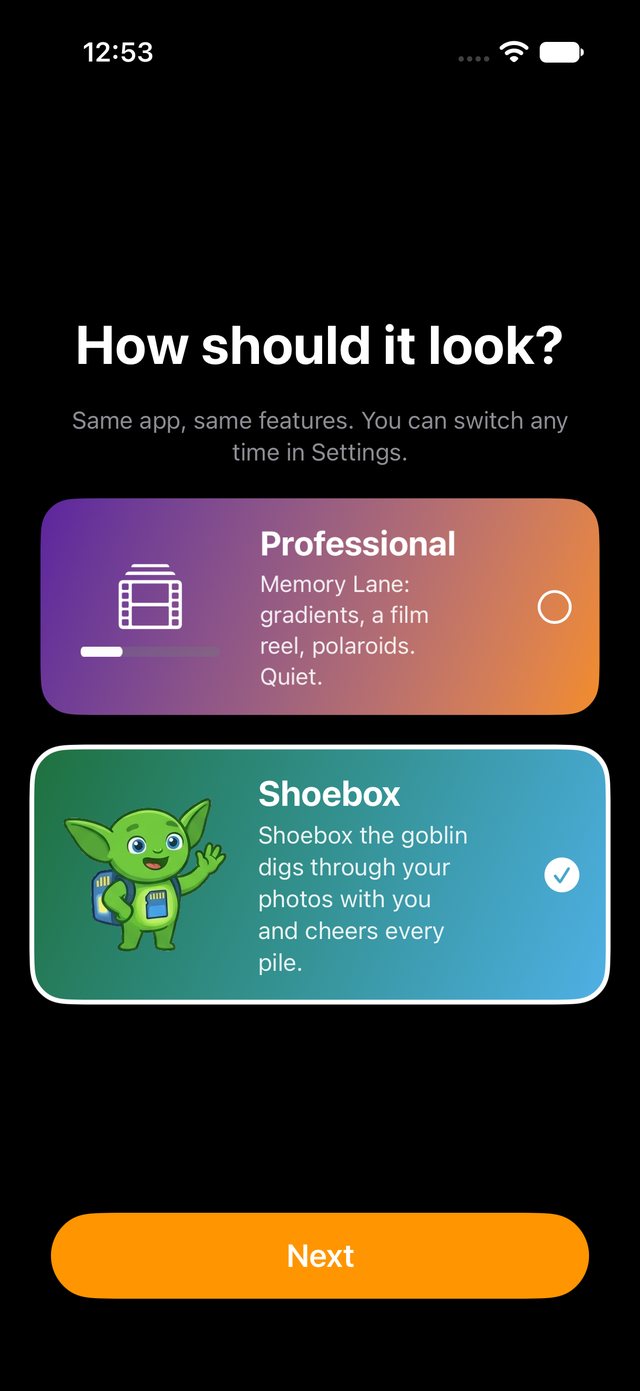
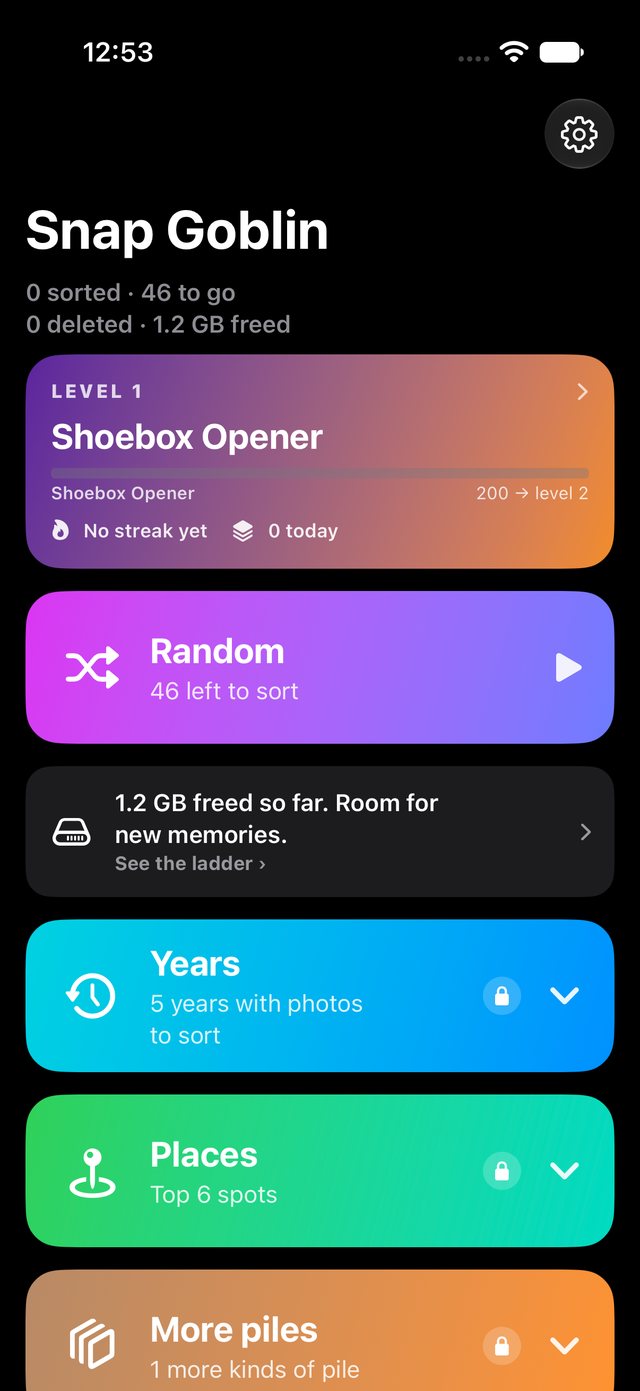
Two looks. One tidy camera roll.
The details
Built to be careful with your memories.
Lookalikes, together
Ten shots of the same sunset show up as one card, so you can pick the best one.A safety net
Tossed photos go to Recently Deleted in the Photos app. iOS usually keeps them there for up to 30 days. If you use iCloud Photos, a toss removes the photo from all your devices.It asks before tossing a favorite
If you hearted a photo, the app checks with you before it goes.See the space you saved
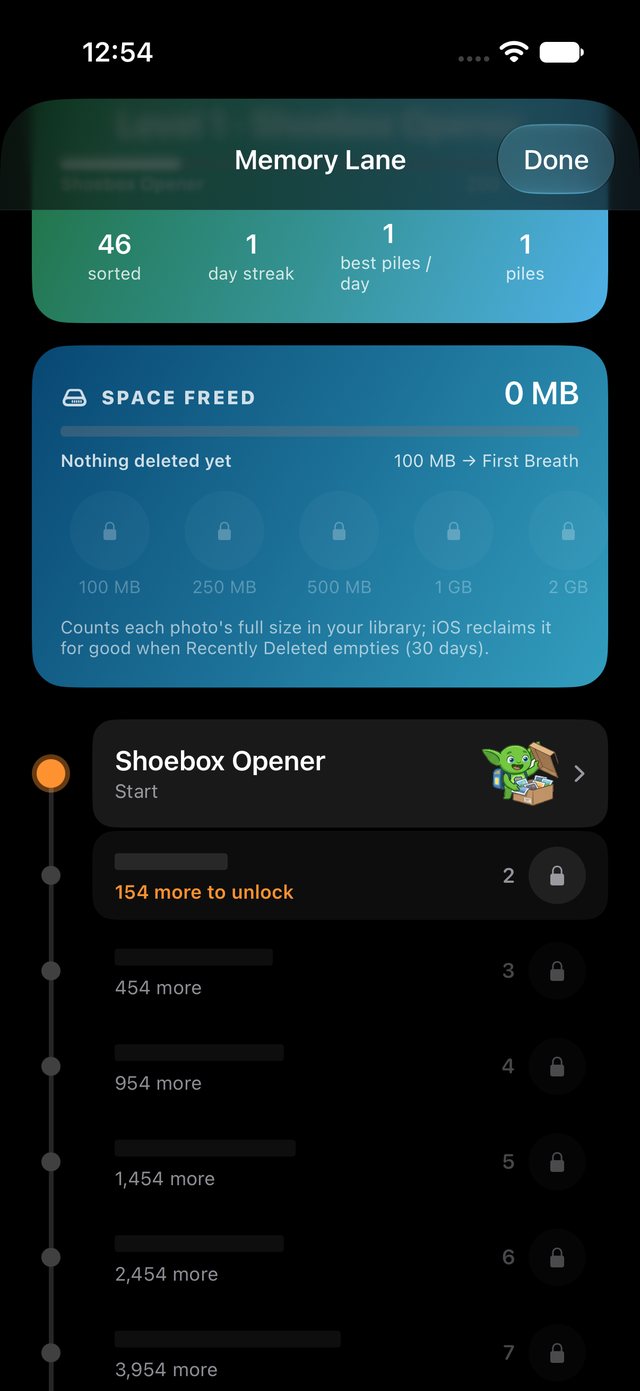
A running count of how much storage you have freed.Shoebox cheers you on
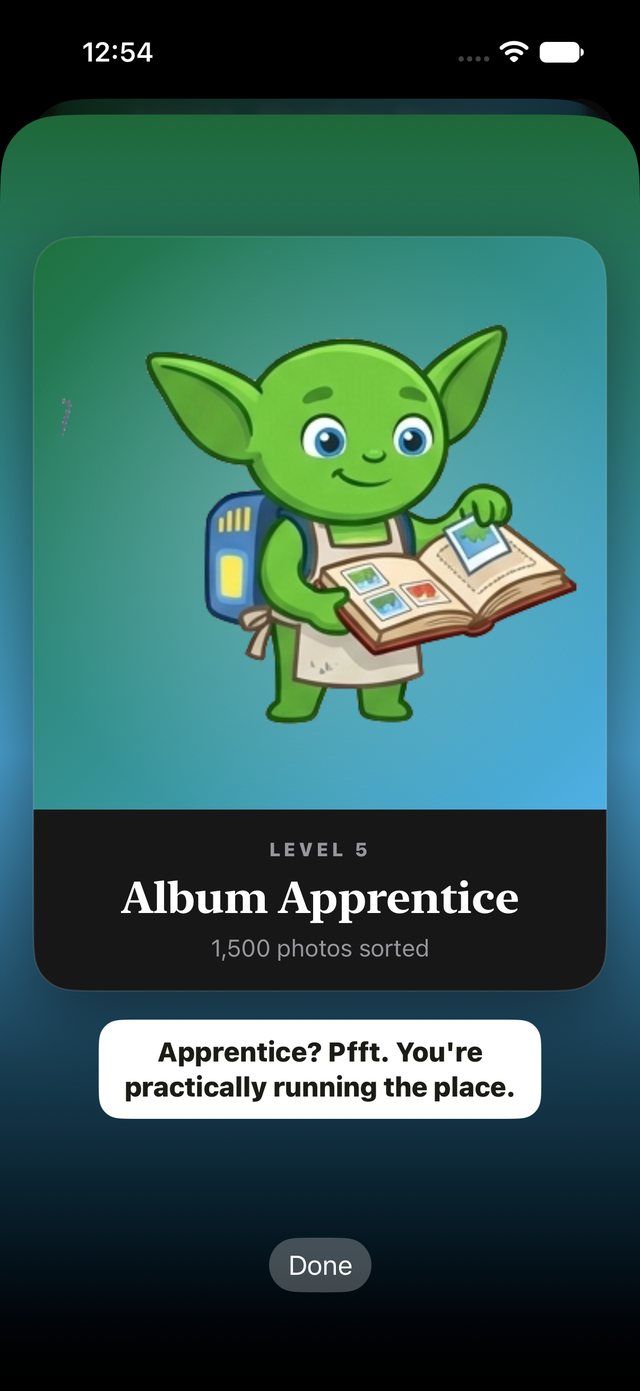
Shoebox is the small green goblin who celebrates your streaks and milestones. Prefer it quiet? Switch to the calmer theme.Your photos stay private
No account. No upload. The sorting happens on your device.